
Got a forwarded link or screenshot? Here's how to check it before you share
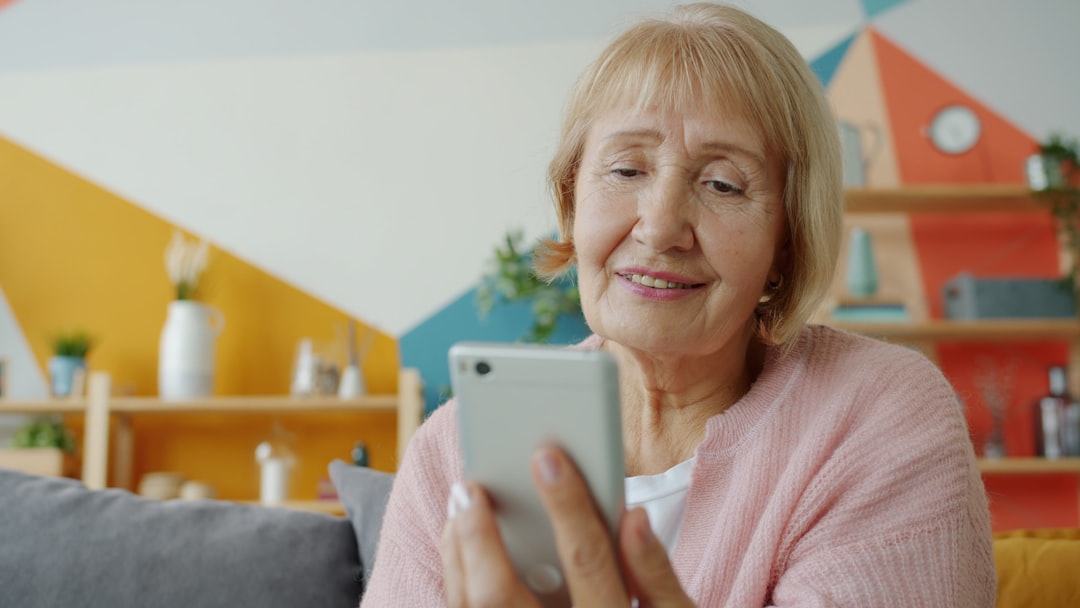
Most of the things we pass on, we pass on because someone we trust sent them first. A warning from a friend in the WhatsApp group. A screenshot a grandchild forwarded. A post a neighbour shared on Facebook with "everyone needs to see this". When it comes from a person we know, we lend it some of the trust we have in them, and on it goes.
That is how most false stories travel: not through strangers, but through friends. None of the people forwarding them are foolish. They are being kind, or worried, and they are in a hurry.
Here is a short habit that takes less than a minute and catches most of it.
First, notice how it makes you feel
The forwards that spread fastest are the ones that make you feel something straight away: alarm, outrage, delight, or the urge to protect someone. "Share this before it gets taken down." "The police are warning everyone." "Doctors don't want you to know this."
A strong feeling is not proof of anything. It is a sign that whoever wrote it wanted you to act before you thought. So treat the feeling as a prompt to pause, not a reason to press send.
Ask where it actually came from
A forwarded message has usually lost its origin somewhere along the way. Before you pass it on, try to find the original:
- Is there a name attached? A real newspaper, a named charity, the council, the NHS, your bank. If nobody is willing to put their name on it, that tells you something.
- Does the organisation it mentions say the same thing? If a message claims to be a warning from the police, look at the police force's own website or Facebook page. The genuine warning will be there. The made-up one will not.
- Search a sentence from it. Copy a distinctive line and put it into Google. This alone often finds the original story, an older version of it, or someone who has already looked into it.
Check the date
A great deal of what goes round is old. A real news story from three years ago comes back with "just happened" written above it. A weather warning from another county resurfaces every winter. A photograph of a flood or a fire is real, but from somewhere else entirely.
If there is a date, look at it. If there is not, that is worth noticing too.
Be extra careful with screenshots
A screenshot looks like evidence, and that is exactly the problem. It takes away almost everything you would use to judge the original: the date, the rest of the article, the account that posted it, and the ability to tap through and read it for yourself. It can also be altered by anyone with a phone, in seconds, and you would not be able to tell.
When a screenshot arrives:
- Look at the edges. What has been cut off? The part just outside the frame is often the part that changes the meaning.
- Look for the original. Search the headline or the words in it. If the real thing exists, it will be there in full.
- Treat it as a lead, not a fact, until you have seen where it came from.
A few that come round again and again
You will recognise some of these:
- "Facebook will start charging unless you copy and paste this." It has been going round for well over a decade. It has never been true.
- A missing child or a lost dog with no location, no date and no way to contact anyone. Often real once, years ago and far away, and now just circulating.
- A miracle cure or a food that "doctors are hiding". If it worked, it would not be a secret in a WhatsApp group.
- A "new scam warning" that describes something that has never actually happened to anyone.
- A photograph that looks too perfect. More and more of these are made by AI. A quick check for signs of AI is now part of the habit.
Before you send it on
Three questions, and they take about ten seconds:
- Do I know where this came from?
- Is it framed to inform me, or to make me feel something?
- Can I find it anywhere else?
If the answer to the first or the last is no, the kindest thing you can do for the people in your group is to hold it back. If it is genuine, it will still be genuine tomorrow.
When you want a second opinion
None of this asks you to become an investigator. It asks for a short pause between reading something and repeating it, which is exactly the gap where most false stories get their momentum.
And for the times when you have paused and still cannot tell, that is what Lucid is for. Take a screenshot, or paste the link, and ask it "Is this true?" You get a plain verdict word, a short explanation, and the sources it rests on, so you can decide for yourself before you share.